Start
Start


RESOLVING CONFLICT IN A MORE PEACEFUL, COLLABORATIVE & INTELLIGENT WAY THROUGHOUT THE WORLD

Embark on Your Smartsettle Journey with a FREE TRIAL
Ready to experience the benefits of Smartsettle firsthand? Sign up for our free trial today and unlock access to our powerful negotiation platform. Gain hands-on experience, explore our intuitive interface, and discover how Smartsettle can revolutionize your negotiation process.
Join us today and experience the future of negotiation.
UPGRADING THE WAY
THE WORLD NEGOTIATES
Better, collaborative outcomes in a shorter time ---- visit our blog for the latest news.
Where Smartsettle Solutions can be used

Smartsettle Products
Integrate Smartsettle products onto your own website.

Estate Settlements
We can help you create a formal negotiated agreement.

Auctions
Top-down auctions benefit both the buyer and seller.

Family Resolution Centre
Smartsettle's facilitators can help you with family negotiations.

Politics
Smartsettle Infinity can be beneficially applied to the world's most complex negotiations.

Domain Names
Smartsettle is the go to product for online negotiations.

Real Estate
Bridging the gap between buyers and sellers.


Money Matters
Resolve any money matter efficiently using Smartsettle’s Online Solutions Technology

The eNegotiation Exhibition
Learn about the intelligent thinking behind Smartsettle products.

Environmental Resources
Smartsettle Infinity offers hope for the most complex multilateral negotiations.

Procurement
Delivering benefits to supply agreements.

Construction
Fair agreements start and end though Smartsettle collaborative negotiations.

Mergers & Acquisitions
Complex negotiations demand intelligent solutions.

Peace Treaties
Negotiate the most complex peace treaties with Smartsettle Infinity

Collective Bargaining
Build agreements with your employees that all of you can celebrate.
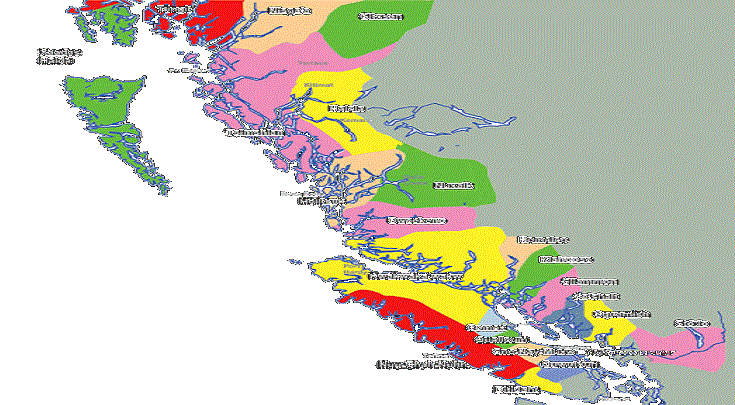
First Nations
Smartsettle is proud to be working with BC First Nations

Clinical Trials
Supporting Clinical Trial negotiations is easy with Smartsettle Infinity.

Insurance
Insurance disputes can be efficiently resolved using Smartsettle's Online Solutions Technology.

Decision Support
Be confident that you are making the best possible decision.

Future Expansion
Contact us to explore opportunities.